Landing on the Cocos (Keeling) Islands expecting your usual international roaming or a quick airport SIM card purchase will leave you completely disconnected. Conventional mobile networks do not exist on this remote Australian territory, and no carrier sells a local SIM here anymore. You need a different strategy to access maps, check emails, or manage remote work while staying at this isolated atoll.
- Mobile network signal: Non-existent (no standard Telstra, Optus, or Vodafone cell towers)
- Primary internet solution: 4G LTE MiFi router hire from the Community Resource Centre (CRC)
- MiFi delivery: Dropped off at your West Island accommodation by CRC staff
- MiFi return deadline: Tuesday by 12:00 PM or Friday by 8:30 AM (late fee: $50.00 per hour)
- Loss or damage replacement cost: $100.00
- Alternative connectivity: WiFi at local accommodations or desktop PCs at the CRC office
The Reality of Mobile Coverage on the Cocos Islands
Do Telstra, Optus, or Vodafone Work?
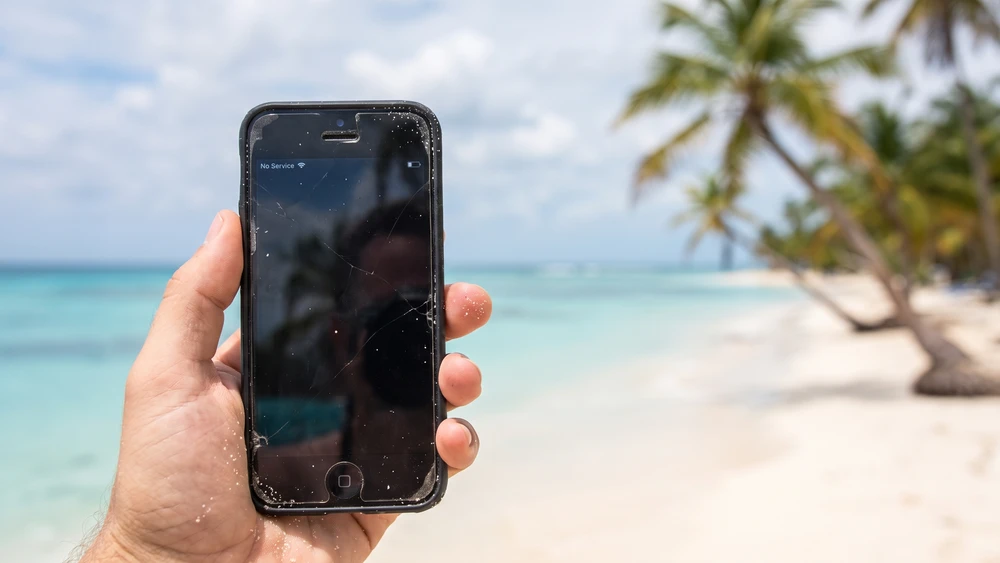
Your smartphone will show "No Service" across the entire atoll regardless of your Australian carrier. There are no mobile towers broadcasting standard cellular signals for calls, texts, or cellular data packets.
If you researched this trip a couple of years ago and read about a local SIM card, that option is gone. IOTT, the small carrier that once sold local 4G SIMs on Cocos, shut down its mobile service in June 2024. Older blog posts and forum threads still reference buying a SIM on arrival; ignore them; the CRC's MiFi hire and accommodation WiFi have replaced it as the only practical options.
Why You Should Avoid Generic Tourist eSIMs
Online platforms selling global or regional eSIMs for the Cocos Islands are highly misleading. These digital cards rely on local roaming agreements with non-existent networks. Buying one is a guaranteed waste of money.
How to Actually Get Internet on the Islands
Renting a 4G MiFi Dongle
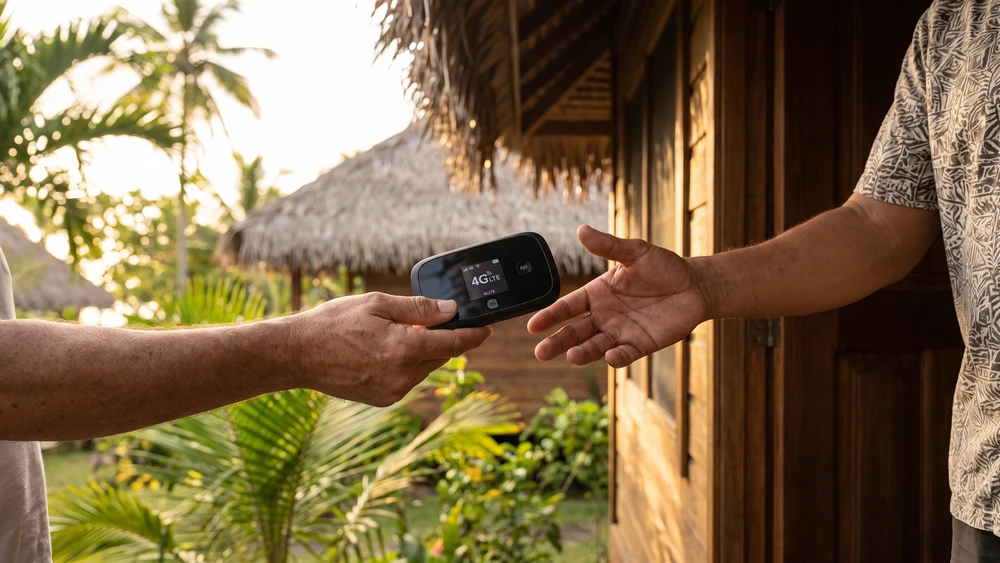
The local Community Resource Centre provides the only reliable mobile internet via 4G LTE pocket WiFi routers. These MiFi devices create a local hotspot for multiple gadgets and cover the populated parts of the atoll.
You must pre-book your device online through the Snapforms booking platform before arrival because stocks are limited. CRC staff make every effort to deliver your booked device straight to your accommodation.
Free and Paid WiFi at Local Accommodations
Most accommodation hosts offer localized WiFi access to bridge the connectivity gap. This service varies from unlimited high-speed connections to capped data allowances depending on the property. Always clarify the data policy with your host before finalizing travel plans.
Using the Community Resource Centre
You can visit the air-conditioned CRC building on West Island during operating hours to plug your own laptop directly into their network. They also maintain two desktop computers for public use if you need to print travel documents or quickly check your emails.
Pre-Departure Tech Checklist for Remote Travelers
How to Enable Wi-Fi Calling Before You Land
You must activate the Wi-Fi Calling feature in your smartphone settings before departing from Perth. This setting allows your phone to route regular calls and text messages over local accommodation WiFi networks.
You might need to toggle this feature off and on again when switching between different island hotspots. Chat apps like WhatsApp, Messenger, and Skype also work perfectly over these networks.
Downloading Offline Maps and Local Apps
Cellular blackouts make live navigation impossible when exploring remote beaches. Download offline Google Maps of West Island and Home Island to your device before boarding your flight. Save all booking confirmations, accommodation details, and local ferry schedules directly to your local storage.
Internet Reliability: Can You Work Remotely?
The atoll relies on satellite backhaul, making internet speeds vulnerable to heavy cloud cover and tropical downpours. Remote workers can easily handle emails, communication apps, and basic web browsing.
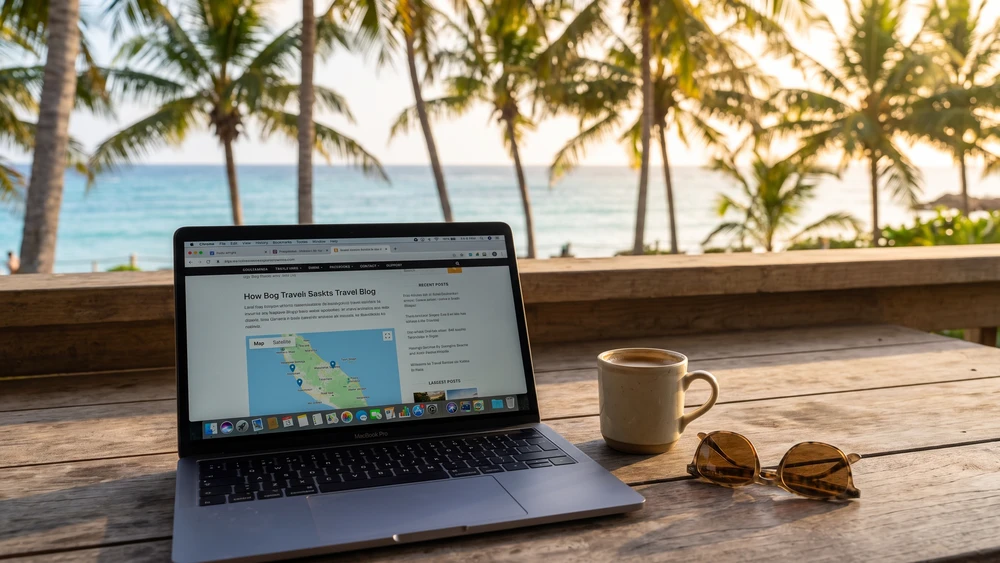
Bandwidth-heavy tasks like continuous video conferencing or large cloud uploads will face significant latency, so plan your workflow around these infrastructure limits. If you are weighing Cocos against another hard-to-reach destination, the connectivity setup on the Marshall Islands follows a similar MiFi-and-accommodation-WiFi pattern, and the Cabo Verde SIM and internet options show how differently another remote island nation handles the same problem. Travelers coming from the Maldives will already be used to atoll-style currency and SIM card logistics that carry over neatly to Cocos.